
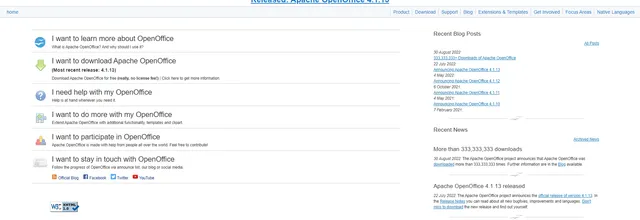

Free open-source office suite with word processing, spreadsheets and presentations

PDF editor for creating, converting, editing and signing documents on desktop, mobile and web
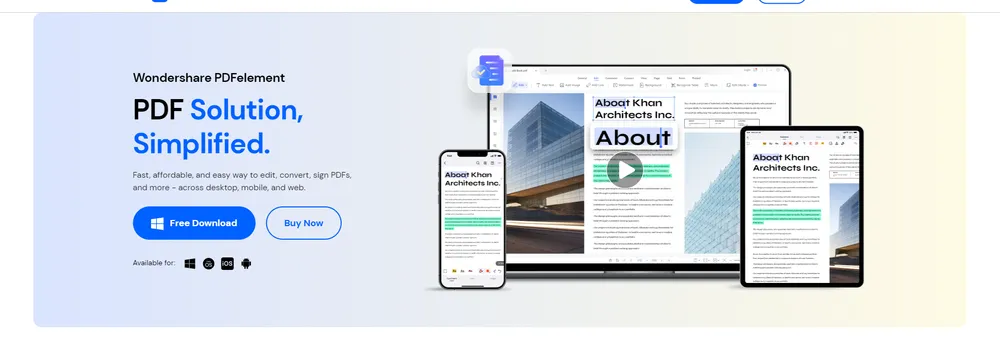
PDFelement is the PDF editor from Wondershare. It runs on Windows and Mac computers and also comes in mobile and web editions, and the vendor says it is available in nine languages. Wondershare positions it as an affordable alternative to Adobe Acrobat for users of all kinds, and its older pages mention perpetual licensing.
The editor lets people add or change text, sizes, colours and fonts without disturbing the page layout. Images inside a PDF can be added, replaced or modified, and documents can be customised with links, watermarks, shapes, audio, video and Bates numbers.
Files can be converted between PDF and formats such as Word, Excel, PNG and JPG, in batches and without altering the formatting. Optical character recognition turns scanned PDFs and images into editable, searchable text in 26 languages, including right-to-left scripts. Large files can be reduced in batches, with control over image resolution, for easier sharing and storage.
Users can create and fill forms and protect a document. Certificate-based electronic signatures can be applied to one or many PDFs, sent in bulk to recipients, and tracked as each document is signed, with signatures synced through PDFelement Cloud. Pages can be split, merged, reordered, rotated, cropped or compared.
The current site adds AI tools: summarising and translating PDFs, chatting with a document, reviewing contracts to pull out key clauses and compare versions, and building a searchable knowledge base from PDFs, Office files, images and text.
PDFelement is a PDF tool from Wondershare. It lets people create, edit, convert, annotate and sign PDF documents on Windows and Mac, with mobile and web versions as well. It is built for general users and businesses alike.
Summary written by TrustList from the business's own published information, Nov 2026.
2 images - click to enlarge
Used it? Your experience helps other buyers decide.
Write a reviewNo questions yet. Be the first to ask about PDFelement.
Similar listings buyers compare against this one.
Free open-source office suite with word processing, spreadsheets and presentations

Microsoft task manager for preparing, keeping and sharing task lists with collaborators

Online word processor from Google for writing and editing documents together in real time
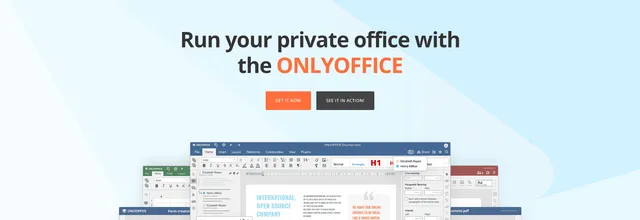
Office suite for editing and sharing documents, with cloud and self-hosted options for teams and developers
Open source office suite developed by The Document Foundation for documents, spreadsheets and slides
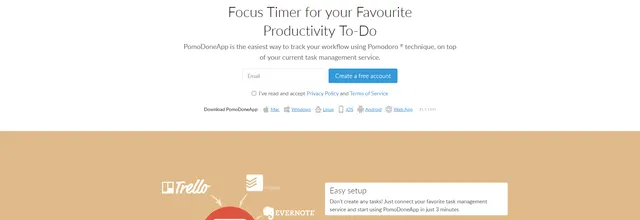
Pomodoro focus timer that connects to task managers such as Asana, Trello and Jira to track time spent
Desktop and mobile office suite from Collabora that runs the Collabora Online editors locally on Windows, macOS, Linux, Android and iOS.
Office suite from Nuremberg maker SoftMaker with TextMaker, PlanMaker and Presentations, saving to DOCX, XLSX and PPTX on desktop and mobile.
Articles that share the Watermarking tag or mention this listing.
 United States
6 Oct 2026
The textGrain mark is off by default for API customers elsewhere, and OpenAI's own tests show light editing sharply cuts detection, from…
 Office Suite
13 Oct 2026
Text recognition is easy to rent and hard to own. We are choosing to own it: on your computer, in the languages our users write, and…
 Germany
17 Nov 2026
Selected customers in California, Stuttgart and Munich get early access from December; cars already on the road can add the functions by…
Everything here links back to the same verified catalogue. Pick your next stop.