
Free open-source office suite with word processing, spreadsheets and presentations

Online word processor from Google for writing and editing documents together in real time
By Google
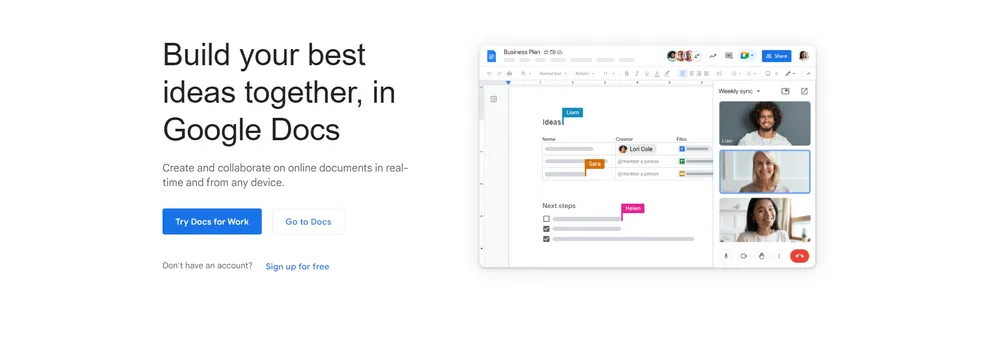
Docs is a browser-based word processor where people create and edit documents together, in real time, from any device. Anyone with access can type in the same file at the same moment, share it with a few clicks, and keep work moving with comments, suggestions and action items. Typing an @ followed by a name pulls a person, file or calendar event into the page, which keeps related material close to the text that mentions it.
Smart Compose offers sentence completions as a writer types, which is meant to speed things up and reduce errors. Spelling and grammar suggestions, voice typing and quick translation of a whole document are also included, so the writer can concentrate on ideas rather than mechanics.
Docs is connected to the other Google apps. Replies to comments can be sent from Gmail, charts from Sheets can be embedded, a document can be shared during a Meet call, and the web and Drive can be searched for text and images without leaving the page. Add-ons from third parties, such as e-signature or project management apps, open from within a document.
A Word file from Microsoft can be opened and changed online as it is, and the sharing and writing aids work on it too. An imported PDF becomes editable text. Because everyone works on the latest version and edits are saved automatically, a version history lets the team review or undo changes. Documents can also be opened, created and edited without an internet connection.
Google says files are encrypted both while moving and while stored, that Docs is cloud-native so nothing has to sit on a local machine, and that the product is checked regularly by independent auditors. The company states that it never uses Docs content for advertising and never sells personal information. Docs is part of Google Workspace, so storage and support depend on the plan chosen.
Google Docs is a word processor that runs in a web browser. People write and edit documents together from any device, using comments, suggestions and action items to keep work moving. Edits are saved automatically with a version history.
Summary written by TrustList from the business's own published information, Nov 2026.
2 images - click to enlarge
Used it? Your experience helps other buyers decide.
Write a reviewNo questions yet. Be the first to ask about Google Docs.
Similar listings buyers compare against this one.
Free open-source office suite with word processing, spreadsheets and presentations

Microsoft task manager for preparing, keeping and sharing task lists with collaborators
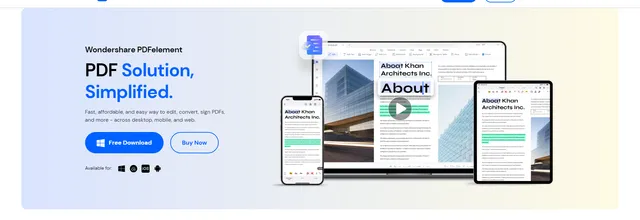
PDF editor for creating, converting, editing and signing documents on desktop, mobile and web
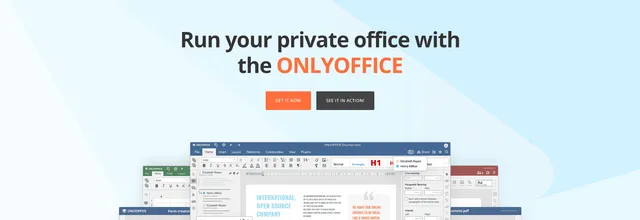
Office suite for editing and sharing documents, with cloud and self-hosted options for teams and developers

Pomodoro focus timer that connects to task managers such as Asana, Trello and Jira to track time spent
Open source office suite developed by The Document Foundation for documents, spreadsheets and slides
Browser-based office suite from Collabora, built on LibreOffice, that organisations host themselves and plug into Nextcloud, ownCloud, Moodle and other platforms.
Productivity management application giving real-time feedback on efficiency and distractions, with a website blocker
Articles that share the Project Management tag or mention this listing.
 Venture Capital
15 Oct 2026
Lightspeed leads with Bessemer after three years in stealth. Zenzap says thousands of businesses in the US, UK and Australia already use…
 Project Management
30 Sept 2026
Project Online retires on 30 September 2026 and its data becomes inaccessible. From 1 October, Microsoft starts deprecating EWS for…
 Cloud
17 Nov 2026
A change that ran without trouble for three months, a Teams failover and 14% of capacity already out combined on 12 November; the final…
Everything here links back to the same verified catalogue. Pick your next stop.