Microsoft cloud storage for keeping, sharing and editing files and photos from any device

Web-based operating system that runs every Synology NAS for file sharing, backup and collaboration
By Synology
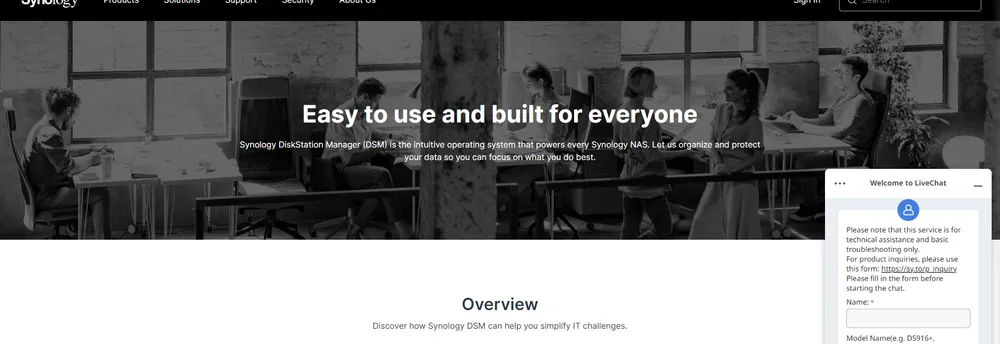
Every Synology NAS runs on DSM, a web-based operating system whose name stands for DiskStation Manager. The company describes it as intuitive, and designed to help people manage their digital assets across home and office. It is built to be lightweight and modular, with add-on packages that can be installed as needed. The company says DSM 7.4 is now available and brings AI-powered productivity, more efficient storage management and stronger team collaboration.
Users can keep files in step across devices and share them through one centralized platform, and keep their digital media in one place to enjoy on the web or on a favorite device. Team collaboration tools include a suite of secure and private apps for documents, spreadsheets and slides, a chat service, an on-premises email package, and apps for contacts, calendars and notes.
For data protection, DSM is designed to guard against hardware failure, natural disasters and accidental deletion, with point-in-time backups and replication policies. Users can deploy virtual machines and containers directly on the system, or use it as reliable storage for outside hypervisors. Centralized monitoring and configuration help with large deployments, and Active Backup packages cover physical and virtual machines as well as Microsoft 365 and Google Workspace accounts.
Administrators can manage user accounts and devices across a business through directory services, including a Windows AD-compatible directory service. The company says its security tools guard against sophisticated threats, and its surveillance tools let homes and businesses monitor video. For demanding primary storage, DSM Enterprise is described as a platform for SAN, NAS and application services with high IOPS performance and continuous availability.
DiskStation Manager, usually shortened to DSM, is the web-based operating system that powers every Synology NAS. It is meant for managing digital assets at home and in the office.
Summary written by TrustList from the business's own published information, Nov 2026.
2 images - click to enlarge
Used it? Your experience helps other buyers decide.
Write a reviewNo questions yet. Be the first to ask about DiskStation Manager.
Similar listings buyers compare against this one.
Microsoft cloud storage for keeping, sharing and editing files and photos from any device

Apple cloud service that keeps photos, files and notes backed up and synced across devices

Online file storage and sharing workspace for teams, part of the Zoho product family

Secure file transfer server and client libraries for IT teams on Windows and Linux

Screenshot capture and screen recording tool that saves to the cloud and shares by link

Service for sending large files online without needing an account

Secure file sharing and client collaboration platform for professional firms
Business file sharing, storage and e-signature platform with client portals
Articles that share the Messaging tag or mention this listing.
 Venture Capital
15 Oct 2026
Lightspeed leads with Bessemer after three years in stealth. Zenzap says thousands of businesses in the US, UK and Australia already use…
 Canada
7 Oct 2026
The bill passed the House of Commons on 18 June and is now at second reading in the Senate; Tailscale and Windscribe have also opposed it.
 Cybersecurity
14 Nov 2026
CISA added CVE-2026-114713 to its exploited list on 13 November. UnrealIRCd 6.2.7.1 of 7 November fixes it with eight other bugs, and a…
Everything here links back to the same verified catalogue. Pick your next stop.