


Screen capture and recording tool from TechSmith for images, GIFs and short videos used in training and support

eLearning authoring software for screencasts, software simulations, interactive lessons and HTML5 animation
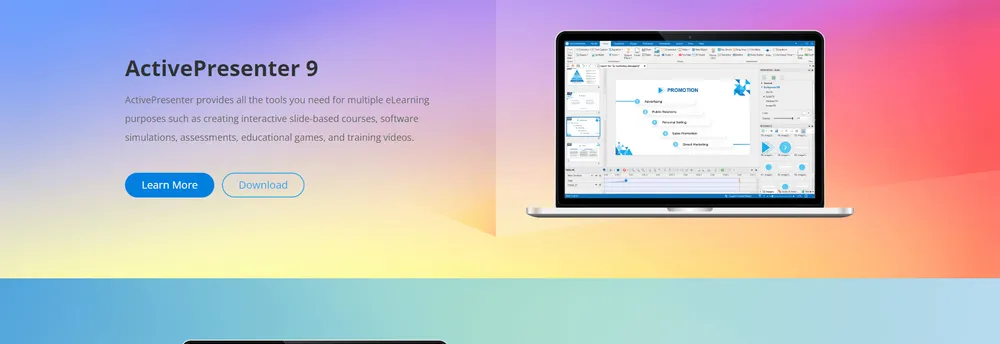
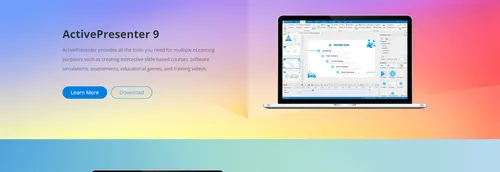
Anyone who has to turn a software walkthrough into training material is the person ActivePresenter is built for. Its maker describes it as eLearning authoring software that records the screen and then lets the author shape the recording into finished learning content: slide-based interactive courses, simulations of software, assessments, games for education and videos for training. The same recordings can become handouts, manuals and documentation, so one capture session can feed several formats.
The editor handles both audio and video, and authors can adjust the look and feel of the content to suit a course or a brand. Software simulations let a learner rehearse the steps of an application in a controlled copy of it, while quizzes and assessments check what has been absorbed. The business also lists educational games among the things the tool can produce.
Learning paths that change with the learner's answers are a stated strength. Version 10.6 added a Scenario Editor for designing branching paths visually, along with a feature called Smart Studio that improves screen recordings automatically. The current version also includes AI features, including a local option, and lets users connect AI providers they already have accounts with. Its pitch for the current generation is an AI-assisted authoring tool with real-time collaboration, public sharing and reporting.
Courses are published in HTML5, which means they play on most devices and can be connected to learning management systems. The software runs on Windows and macOS.
Alongside ActivePresenter the developer offers Saola Animate 3, an HTML5 animation tool that creates interactive content without coding, and a product called uPresenter. Its tutorials show uses such as whiteboard animation videos and an interactive solar system for geography and astronomy classes. Learners and authors can also use the support team and the user community to find help.
ActivePresenter is authoring software for building training content. It records screencast videos and turns them into courses, handouts, manuals and documentation, and its output runs in a web browser on most devices.
Trainers, teachers and course creators who need eLearning material without writing code.
Summary written by TrustList from the business's own published information, Nov 2026.
Used it? Your experience helps other buyers decide.
Write a reviewNo questions yet. Be the first to ask about ActivePresenter.
Similar listings buyers compare against this one.
Screen capture and recording tool from TechSmith for images, GIFs and short videos used in training and support

Screen capture tool for sharing screenshots, video clips and GIFs

Screen recorder for Windows and Mac that captures the display, audio and webcam

Mac video editor and screen recorder for software demos, tutorials, training and presentations

Lightweight screen capture tool for taking screenshots and videos, editing them and sharing them

Screen recorder and video messaging app for Windows and Mac used for demos, training and feedback

PC screen recorder for capturing the desktop, gameplay and webcam with built-in editing and AI tools

Screenshot and screen recording tool for Mac and PC with built-in cloud storage
Articles that share the Gamification tag or mention this listing.
 Mountain View, Ca
6 Nov 2026
Video output falls 30% to $12 per million tokens on the new generally available model, against $17.50 on 1.1. Input and text output prices…
 Video Creation
13 Oct 2026
Dharana Capital led the round; more than 80% of the money came from investors who backed the company at seed, and Clueso says it has been…
 Image Editor
8 Oct 2026
ArtCraft's PhotoCraft, FilmCraft and LightCraft were first pushed to GitHub on 30 September and carry MIT or Apache-2.0 licences, but the…
Everything here links back to the same verified catalogue. Pick your next stop.


