
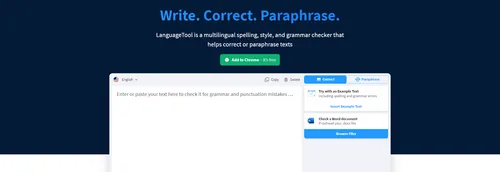


Grammar and spelling checker that marks mistakes in the field being typed in

Multilingual grammar, spelling and style checker with browser, desktop and Office add-ons
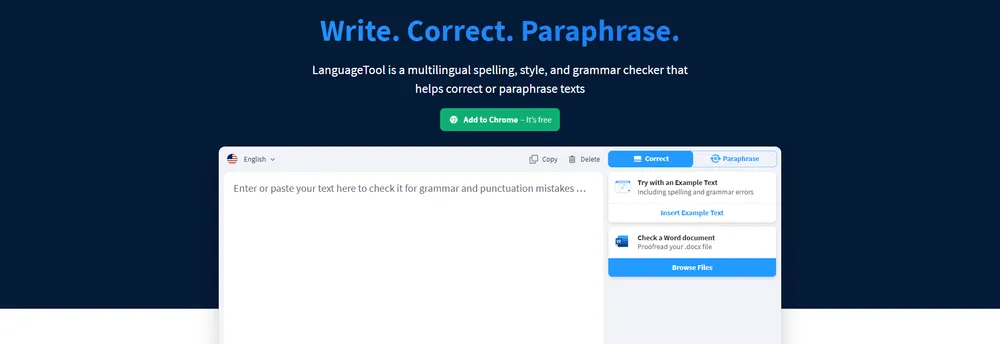
LanguageTool checks spelling, grammar, punctuation, casing and style in more than thirty languages, and it detects the language of the text automatically. Users can paste or type text into the web editor, which shows statistics and a quality score for the writing. A free account is available. The browser add-on gives suggestions while people write emails, blog posts or social media posts, and the company says the add-on stores none of the text it checks.
Desktop apps for Windows and macOS bring the same checks into other writing programs. The company offers an add-in for Microsoft Word that works on Windows, on Mac and in the online version, and it requires Word 2016 or later or Office 365. A Google Docs add-on checks documents for grammar and spelling, and LibreOffice has its own grammar check. The OpenOffice grammar check needs Java 8, a point the company notes for users who install it.
Picky Mode gives more suggestions on advanced punctuation, style and typography for writers who want closer edits. A paraphrasing tool uses artificial intelligence to rewrite a sentence in a more formal, fluent, simple or concise form. The editor can be shown in a light or dark appearance. The Premium version goes beyond grammar and spelling, aiming at clear, precise and stylistically correct writing for longer work such as dissertations and books.
According to the company, over 2,000 organisations rely on its AI-based writing tools, and it names two news organisations among them: the Algemeen Nederlands Persbureau (ANP) and Schweizer Radio und Fernsehen (SRF). Its browser add-on is aimed at people who write in many languages, because it detects the language of each text and offers suggestions in that language.
LanguageTool checks spelling, grammar, punctuation and style in more than thirty languages. It detects the language automatically and can also paraphrase text to sound more fluent or formal.
The site says more than 2,000 organisations use its tools, naming the news agency ANP and the broadcaster SRF.
Summary written by TrustList from the business's own published information, Nov 2026.
Used it? Your experience helps other buyers decide.
Write a reviewNo questions yet. Be the first to ask about LanguageTool.
Similar listings buyers compare against this one.
Grammar and spelling checker that marks mistakes in the field being typed in

Free online grammar, spelling and punctuation checker for English text

AI writing assistant that checks grammar and style in several languages across websites

Online proofreader and plagiarism checker that scores essays and papers
Articles that share the Text Editor tag or mention this listing.
 Text Editor
9 Nov 2026
None has a CVE number yet. A crafted SAML payload can overflow a fixed 200,000 byte buffer in the plugin, and three moderate issues on the…
 Spain
24 Nov 2026
Real Decreto-ley 40/2026, in force since 21 November, swaps the EUR 1 million cap on cashing innovation credits for a EUR 3 million group…
 Norway
24 Nov 2026
Equinor and Skagerak Energi were hit; NSM tells every APIM customer to assume tokens, secrets and named values are exposed and gives a…
Everything here links back to the same verified catalogue. Pick your next stop.


