

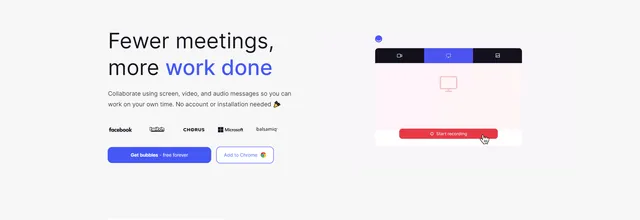

Screen, video and voice messaging tool with AI meeting notes for teams that work asynchronously

Browser extension for screen recording and screenshot capture, used by teams to share feedback
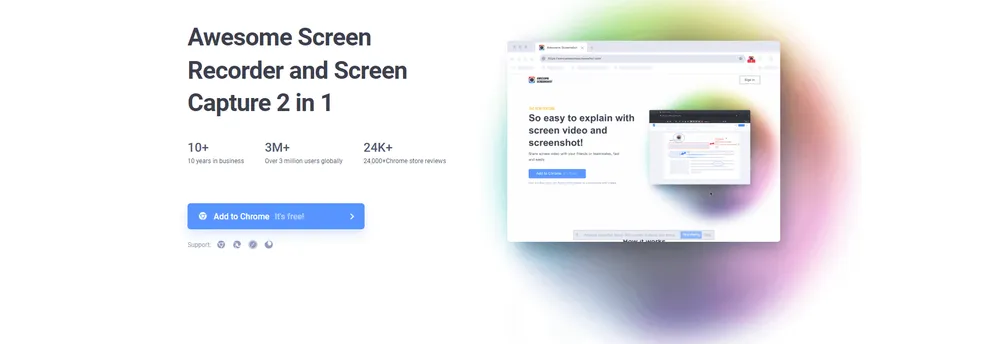
Awesome Screenshot combines a screen recorder and a screenshot tool in one browser extension. Its makers say they have been in business for more than ten years and count several million users of the Chrome and Edge extension.
A user can record the screen and camera together to explain something clearly, or save the recording to a local disk instead of sharing it.
A single click captures what is on screen, and the tool can also capture an entire page. Editing options let people annotate and adjust the image before it goes anywhere, which suits bug reports and design feedback.
Captures and recordings can be shared through social platforms or sent straight into tools such as Trello, Slack, Asana, Jira and Google Drive. That makes it practical for giving feedback to clients or teammates without leaving the workflow. Screenshots can also be saved for personal records.
The company reports an average of 4.6 stars across thousands of reviews in the Chrome and Edge store, a figure it publishes itself.
Awesome Screenshot is a browser extension that combines a screen recorder with a screenshot tool. People use it to explain something visually, to report problems, or to give feedback to clients and teammates.
Individuals and teams who exchange feedback with colleagues or clients.
Summary written by TrustList from the business's own published information, Nov 2026.
2 images - click to enlarge
Used it? Your experience helps other buyers decide.
Write a reviewNo questions yet. Be the first to ask about Awesome Screenshot.
Similar listings buyers compare against this one.
Screen, video and voice messaging tool with AI meeting notes for teams that work asynchronously

Browser-based screen sharing and online meeting tool for demos, support and collaboration

Encrypted messaging, calling and file sharing service for organisations handling sensitive communication

Browser-based meeting rooms with shared document editing, video calls and brainstorming for remote teams
The newest guides and analysis from TrustList Insights.
 Finland
16 Nov 2026
Brillian was founded in 2024, already earns most of its revenue outside Finland and names Siemens, Storytel and Carnival Cruise Lines as…
 Version Control
16 Nov 2026
The fourth maintenance release of the 28 series follows the 20 advisories fixed in 28.3.0 two weeks earlier. One of its flaws has exposed…
 Linux
16 Nov 2026
CVE-2026-99288 needs no login and no special configuration, only a TCP port an attacker can reach. The fix went into the kernel on 3…
Everything here links back to the same verified catalogue. Pick your next stop.


