



German no-code platform that turns database and Excel content into shareable mobile apps automatically
About UXPin
Prototypes made from real code components
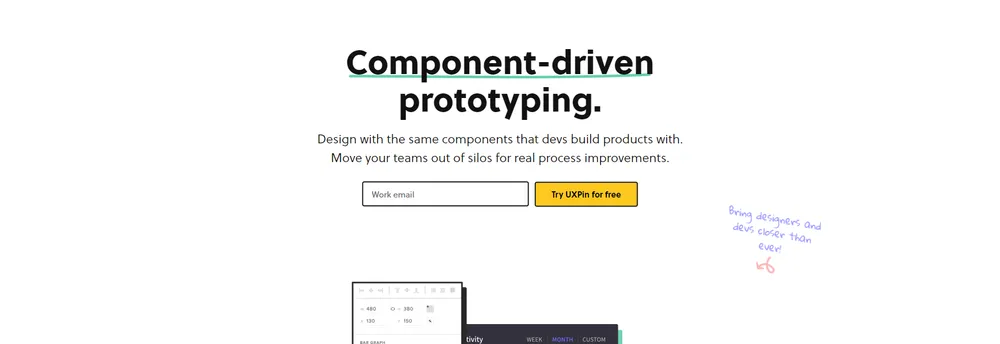
UXPin is a design tool that runs in the browser and as an app on Mac and Windows. Its central idea is that designers and developers should build with the same components. Instead of linking static screens with transitions, designers assemble prototypes from code-backed elements, so the result behaves like the finished product and the gap between design and development narrows.
Merge and design systems
The company's Merge technology lets a team connect a Storybook library, a Git repository or an NPM package and then use those components straight from their own design system. Designers drag and drop them without needing to write code. Built-in libraries such as MUI and Tailwind UI are available for teams that have no component library yet, and hundreds of built-in interface elements help beginners. Design systems can be kept in one central place with interactive components and documentation, which the company says keeps a whole organization consistent.
Making prototypes behave
States, variables, conditional interactions and auto layout let a prototype imitate real product logic during usability testing. A contrast checker and a color blindness simulator support inclusive design that follows WCAG guidance. An AI component creator produces tables and forms when given a written description.
From design to code
Finished designs can be shared instantly. Teams can collect feedback, tag colleagues and assign comments, and send developers specifications, code and automatic redlining. UXPin can also output React code ready for production straight from a design, which the company says reduces the effort of hand-off and removes drift between design and the shipped product.
Teams and process
The tool supports remote collaboration, with wireframing and prototyping done together in real time. Its audience is product teams, both designers and engineers, at firms big and small, particularly where a shared design system exists and the two groups need to stop working in separate silos.
TrustList summary
UXPin is a browser and desktop design tool where interface designers build prototypes from the same code components that developers use. The aim is for prototypes to behave like the finished product.
Main features
- Code-backed components: use built-in libraries such as MUI or Tailwind UI, or sync a Git component repository.
- Merge technology: connect Storybook, Git or NPM packages to a design system.
- Interactions: states, variables, conditional logic and auto layout.
- Accessibility checks: a contrast checker and a colour blindness simulator.
- Collaboration: shared designs, tagged and assigned comments, and specs for developers.
- Code export: production-ready React code taken from the design.
- AI Component Creator: generate tables and forms from a written prompt.
Clients
Design and engineering teams in companies of all sizes, especially those running a shared design system.
Key facts
- Platforms: Mac, Windows and browser
- Integrations: Storybook, Git, NPM
Summary written by TrustList from the business's own published information, Nov 2026.
Gallery
2 images - click to enlarge
Categories & features
- Page Linking
- Online
- Business Hours
- Documentation
- Webinars
- Live Online
- In Person
- iPhone / iPad
- Web-Based, Cloud, SaaS
- Installed - Windows
- Installed - Mac
- Wireframe Creation
- Revision History
- Prototype Creation
- Android
- Mockup Creation
- Mobile Interface
- Interactive Elements
- Feedback Management
- Drag & Drop Editor
- Usability Testing
- UX Prototyping
- Prototyping
- Feature Library
- Templates
- Presentation Tools
- Collaboration
- Animation
Request a demo or quote from UXPin
Reviews
Questions & answers
No questions yet. Be the first to ask about UXPin.
UXPin alternatives
Similar listings buyers compare against this one.


Maps, navigation and location search APIs and SDKs for web and mobile developers


No-code builder for native iOS and Android apps, with hosting, push messages and payments included


Online design platform for wireframing, prototyping, user testing and design handoff


No-code mobile app builder for creating native Android and iOS apps from templates


Mac app for designing animated, interactive prototypes of mobile and app interfaces


Developer tools for building offline-first industrial and field apps, including the PowerSync data sync engine


Low-code app builder that connects business data sources and workflows into custom pages
Related reading
Articles that share the Page Linking tag or mention this listing.
 Italy
15 Nov 2026
Italy fines Meta €805m over Facebook's Android gallery access
The Garante says the gallery suggestions feature, on by default since 2023, read photos and videos of about 20 million Italian Android…
 United States of America
3 Nov 2026
Android November bulletin fixes a zero-click Framework flaw
The most severe flaw lets an attacker run code with no user interaction, and a critical bug in WAP Push SMS handling, with a public proof…
 Redmond, Washington
29 Oct 2026
Microsoft Authenticator for Android let any app pose as Teams and get work tokens
CVE-2026-80097, rated 8.6 by Microsoft and fixed in Authenticator 6.2606.4246 in September, let an Android app with no permissions request…
Keep exploring
More on TrustList
Everything here links back to the same verified catalogue. Pick your next stop.
- Write a reviewHelp other buyers decide
- CompaniesAgencies, consultancies and IT service providers, ranked by verified reviews.
- ArticlesGuides, comparisons and research from the editorial desk and the community.
- AwardsAnnual recognition decided by verified reviews and an independent jury.
- LaunchesNew products and releases, voted up by the community every day.
- AI ModelsBenchmark scores and community ratings for every major model.
- RequestsBuyers describe what they need; vendors respond directly.
- PeopleReviewers, authors and makers with public profiles.
- ComparePut up to four listings side by side before you shortlist.